How Meta Ads Work: A Simple Guide for Small Businesses
Meta Ads are paid ads that businesses run on Facebook and Instagram. They help businesses reach new customers, get leads, promote products, and increase sales.
But how meta ads work can be confusing for beginners. You may have seen ads while using Facebook or Instagram and wondered why you see certain ads.
Meta uses data, audience signals, and an ad auction to decide which ads to show to users. Advertisers choose their goal, audience, budget, and ad. Meta then delivers the ad to people who may be interested in it.
In this guide, we will explain how meta ads work in simple terms.
What Are Meta Ads?
Meta Ads are paid advertisements created through Meta Ads Manager.
Businesses can use these ads on Facebook, Instagram, Messenger, and other Meta placements.
You can use Meta Ads for many business goals, such as:
- Getting more leads
- Getting website visitors
- Increasing sales
- Getting more messages
- Promoting products
- Promoting services
- Building brand awareness
For example, a digital marketing agency can run Meta Ads to reach small business owners and generate new leads.
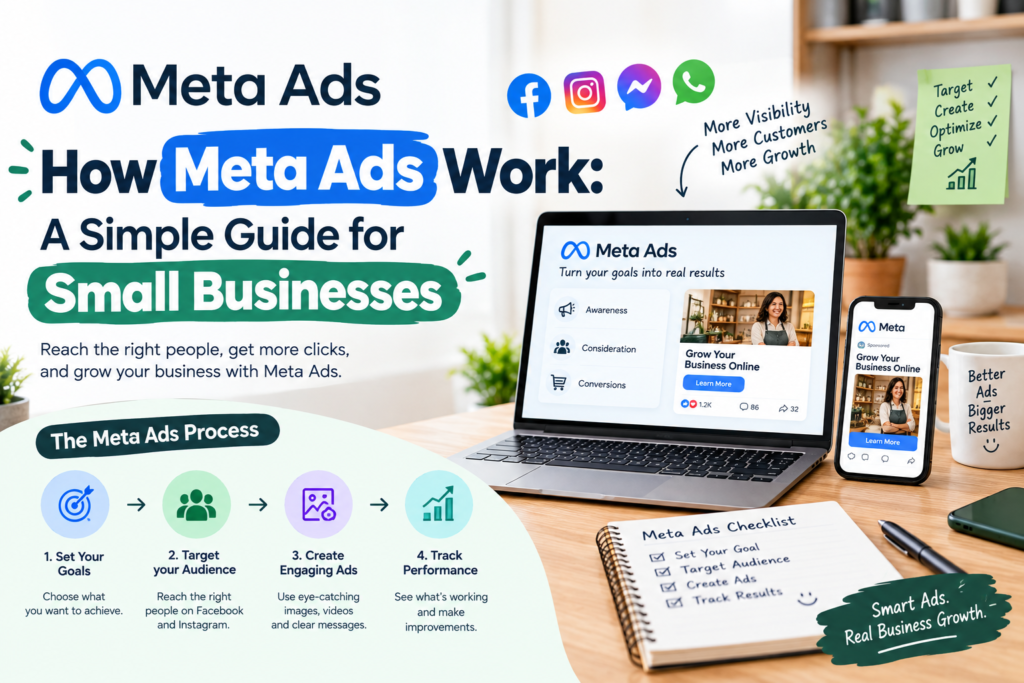
How Meta Ads Work Step by Step
The basic process is simple. You first choose what you want to achieve. Then you select your audience and budget. After that, you create your ad.
Meta then uses its system to decide who should see your ad.
Let’s look at how meta ads work step by step.
1. Choose Your Campaign Goal
The first step is to choose your campaign goal.
Your goal tells Meta what you want people to do after seeing your ad.
Common goals include:
- Awareness
- Traffic
- Engagement
- Leads
- App promotion
- Sales
For example, a business that wants customer details can choose a lead campaign.
A business that wants online purchases can choose a sales campaign.
Choosing the right goal is an important part of how meta ads work.
2. Choose Your Target Audience
The next step is choosing your audience.
You can tell Meta who you want to reach. You can use factors such as location, age, interests, and other available audience signals.
For example, a local business in Delhi can target people in Delhi.
You can also create custom audiences. These audiences can include people who have already visited your website or interacted with your business.
Meta also allows advertisers to create lookalike audiences. These audiences can help businesses reach people who are similar to an existing audience.
Your audience should match your product, service, and campaign goal.
3. Set Your Budget
After choosing your audience, you need to set your advertising budget.
You can choose a daily budget or a lifetime budget based on your campaign setup.
Your budget affects how much Meta can spend to deliver your ads.
You do not need a very large budget to start.
A small business can start with a test budget. It can then check the results and make changes based on the data.
Budget control is another key part of how meta ads work.
4. Create Your Ad
Now you need to create the ad that people will see.
A Meta Ad can include:
- Image
- Video
- Primary text
- Headline
- Call-to-action button
Your ad should have a clear message.
For example, a salon can create a video ad about a special offer. The video can show the service and ask people to book an appointment.
A good ad should quickly tell users what you offer and what they should do next.
5. Meta Runs an Ad Auction
One of the most important parts of how meta ads work is the ad auction.
Many businesses may want to show ads to the same audience.
Meta uses an auction to decide which ads should be shown.
The advertiser with the highest bid does not always win.
Meta looks at several factors. These can include the advertiser’s bid, the estimated chance of getting the desired action, and the quality of the ad.
Meta uses these factors to decide which ad can be shown to a user.
6. Meta Delivers Your Ads
After your campaign starts, Meta looks for people who are more likely to take the action you selected.
For example, if your goal is to generate leads, Meta may try to show your ads to people who are more likely to submit a form.
Meta uses campaign data to improve ad delivery.
As your campaign collects more data, Meta can learn more about the people who respond to your ads.
This is a key part of how meta ads work.
7. Track Your Results
After your ads start running, you need to check their performance.
Meta Ads Manager provides different metrics that help you understand your results.
Some common metrics include:
Reach: The number of people who saw your ad.
Impressions: The number of times your ad was shown.
Clicks: The number of times people clicked your ad.
CTR: The percentage of impressions that resulted in clicks.
CPC: The average cost of each click.
Cost per lead: The average amount spent to generate one lead.
ROAS: The revenue generated compared with your ad spend.
These numbers help you understand what is working and what needs improvement.
8. Test and Improve Your Ads
Testing is an important part of how meta ads work.
Your first ad may not give you the best results.
You can test different versions of your ads.
For example, you can test:
- Different images
- Different videos
- Different headlines
- Different ad copy
- Different audiences
- Different offers
You can compare the results and use the data to improve your campaigns.
Do not change everything at once. Test one major change at a time when possible.
How Much Do Meta Ads Cost?
There is no fixed cost for Meta Ads.
Your cost can depend on several factors. These include your audience, industry, competition, campaign goal, ad quality, and budget.
Two businesses can spend the same amount and get different results.
For this reason, businesses should track important numbers such as cost per lead, cost per click, sales, and return on ad spend.
Understanding costs is an important part of learning how meta ads work.
How Meta Ads Help Small Businesses
Meta Ads can help small businesses reach potential customers online.
A local business can target people in a specific area.
An online store can promote products and send users to its website.
A service business can use lead ads to collect customer details.
Businesses can also use retargeting to reach people who have already visited their website or interacted with their content.
This makes Meta Ads useful for businesses that want to reach a specific audience.
Common Meta Ads Mistakes
Businesses often make simple mistakes when running Meta Ads.
Common mistakes include:
- Choosing the wrong campaign goal
- Targeting the wrong audience
- Using weak images or videos
- Writing unclear ad copy
- Not testing different ads
- Changing campaigns too often
- Not tracking results
- Focusing only on clicks
Avoiding these mistakes can help businesses use their advertising budget more effectively.
Then use Ai tools like ChatGPT to improve work.
Final Thoughts
Now you know how meta ads work and how businesses can use them.
The process starts with choosing a campaign goal. You then select your audience, set your budget, create your ad, and launch your campaign.
Meta uses its ad auction and delivery system to decide which users should see your ads.
But launching an ad is only the beginning. You should track your results, test different ads, and improve your campaigns based on real data.
For small businesses, Meta Ads can be a useful way to reach potential customers, generate leads, promote services, and increase sales.
For more information check more Blog
